

Groups
A group is a corner of the forum for people with something in common: a breed club, a rescue network, a neighbourhood, a training class. It has its own page, its own feed, its own rules and its own moderators. Any member can start one.
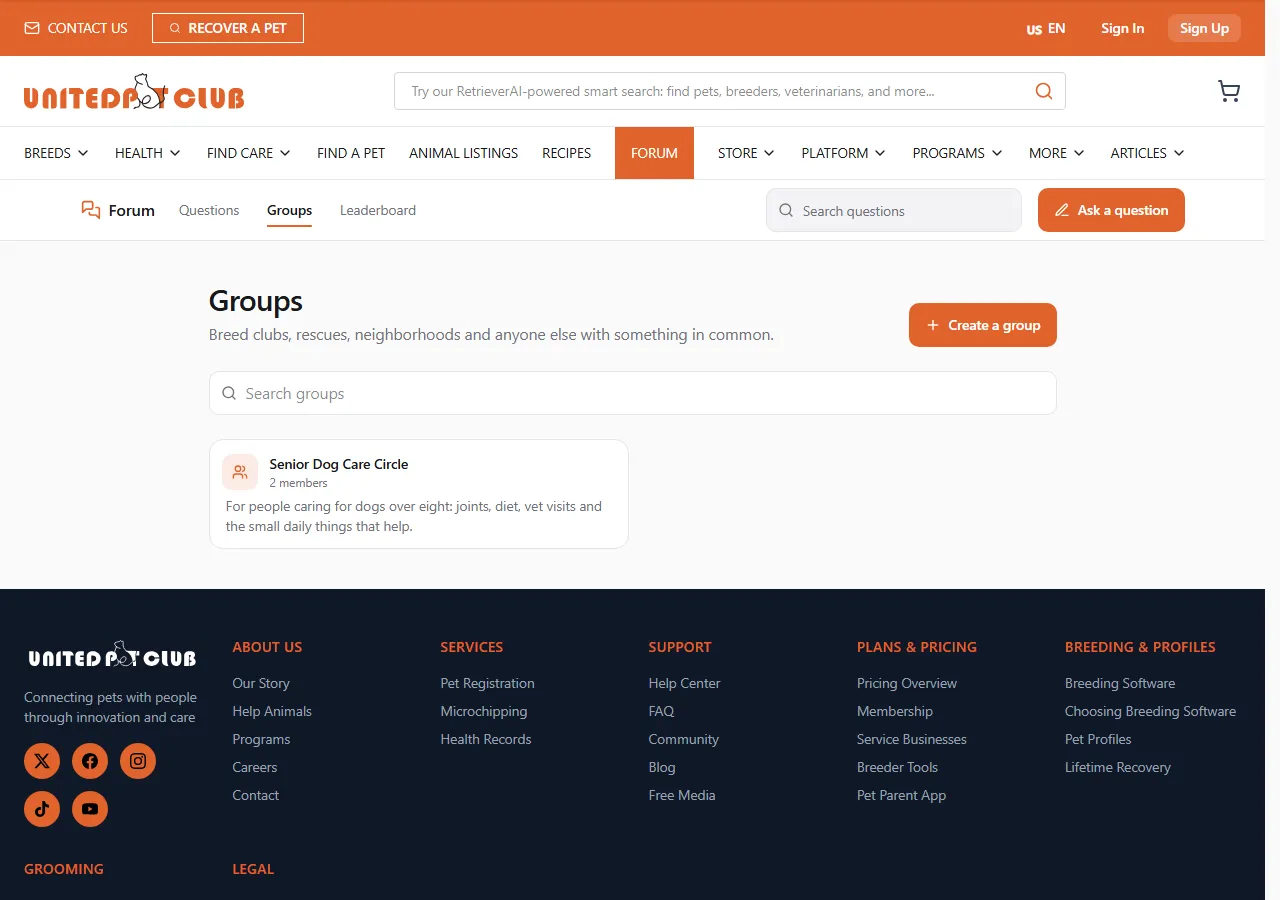
Groups in the forum bar (/forum/groups) lists groups, most active first, with a Search groups box. Each
group opens at /forum/g/<address>.
Who can see and post in a group
Section titled “Who can see and post in a group”| Group type | Label on the group | Who reads | Who posts |
|---|---|---|---|
| Public | Public group | Everyone | Members. Anyone can join. |
| Restricted | Members post, everyone reads | Everyone | Approved members |
| Private | Private group | Members only | Members only |
A private group’s card, rules and moderators are visible to everyone, so people can find it and ask to join, but its posts load only for members (Posts here are for members). Search engines never see a private group’s posts.
A group’s page
Section titled “A group’s page”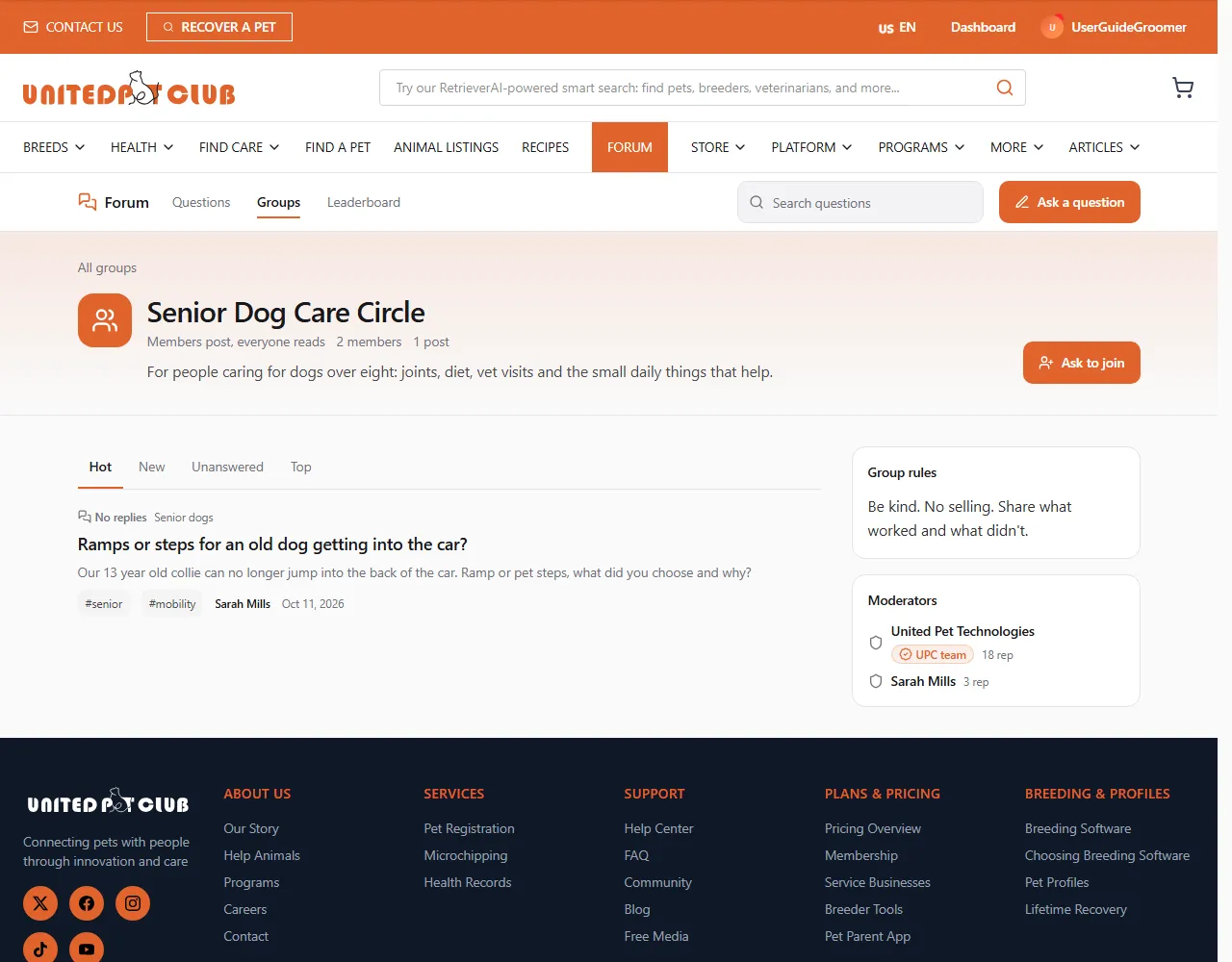
- Join group (or Ask to join when the group approves new members). After asking you see Request sent and can Cancel request. You get a bell notice when a moderator approves you.
- Post in this group opens the question form with the group already set (Posting in the group …). Group posts also belong to a topic, so they appear in the topic’s feed too, unless the group is private.
- Group rules and Moderators sit beside the feed. Read the rules before you post.
- Follow puts the group’s new posts in your Dashboard’s Following tab.
- Leave group takes you out. In a group that approves members, a moderator has to approve you again to come back.
- Owners and moderators see Manage group, which opens the group in the Dashboard.
If a moderator bans you from a group, you can’t take part in it; you can still read it if it’s public.
Creating and running a group
Section titled “Creating and running a group”Create a group (on the Groups page) opens My groups in your Dashboard, where groups are created and run: the group’s settings, its members, join requests, bans and its own flag queue. See Running a forum group. One profile can own up to 10 groups.